





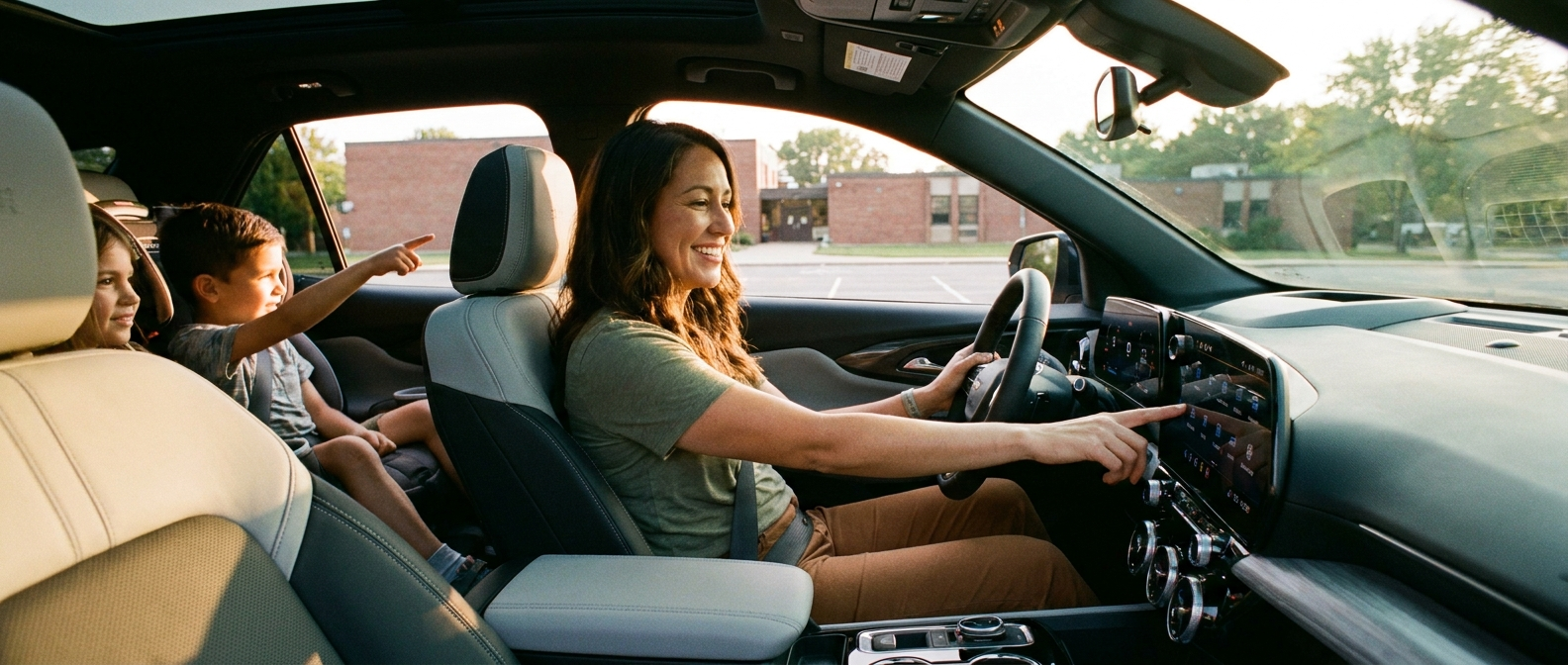
Plenty of families climb into a new SUV and never touch a single one of its tech features before the first school run. The seats get adjusted, the mirrors get moved, and then life takes over. Three weeks later there’s a teenager borrowing the car with no speed limit set, a toddler unloaded from the back without a single reminder chime, and a parent still fighting the phone-cable tangle they meant to leave behind.
The 2026 Chevrolet Equinox gives Fairfield County families a genuinely capable set of parent-focused tools. We’ll walk you through the three that matter most, before the back-to-school chaos kicks in for good.
What Do You Need Before You Start?
Nothing exotic goes into this setup, just your phone, your teen’s key fob, a 4-digit PIN you’ll invent, a live Wi-Fi or cellular signal, and about fifteen minutes with the engine running, and once you’ve done it you won’t have to touch it again. You only run this session once. It sets the tone for every drive after.
| Item | Why you need it |
|---|---|
| Your phone (iPhone or Android) | Pairs wirelessly to CarPlay or Android Auto and links your Google account to built-in |
| Your teen’s key fob | Teen Driver ties settings to a specific key, not the car in general |
| A 4-digit PIN | You create this to lock Teen Driver settings so your teen can’t undo them |
| A Wi-Fi or cellular signal | Google built-in downloads apps and updates maps over the air |
| 15 minutes, engine running | The 11.3-inch screen needs the car on, not just in accessory mode |
Chevrolet lists the 11-inch digital gauge cluster and 11.3-inch Google built-in touchscreen as standard equipment on all three 2026 Equinox trims, which means the setup process is identical no matter which trim you bought.
The Setup Steps: Teen Driver, Rear Seat Reminder, and Google Built-In
These three features each solve a different parent problem, and while none of them takes long on its own, running all three in one sitting saves you from rediscovering the menus every time a new need shows up. Teen Driver is for the high schooler who starts borrowing the car. Rear Seat Reminder is for the toddler years. Google built-in is for every parent who’s tried to tap a navigation app one-handed on I-77 while merging toward Columbia. Set them in this order.
Step 1: Turn on the vehicle and open Settings
Press the start button (or key start on your trim) and wait for the 11.3-inch touchscreen to load fully. Tap the settings gear icon in the upper-right corner of the home screen. You’ll land in the main vehicle settings menu, where everything we’re doing today lives.
Step 2: Configure Teen Driver
Tap Vehicle in the settings menu, then scroll to Teen Driver. The system asks you to create a 4-digit PIN on first use. Write it down somewhere your teenager won’t find it.
Once you’re inside Teen Driver settings, do these three things in order:
- Set a speed alert. This isn’t a hard limiter, more a persistent chime that starts when the vehicle hits a speed you choose. We’d suggest somewhere around highway legal for SC (the car doesn’t stop going faster, but the alert is hard to tune out).
- Cap the audio volume. Chevrolet lets you set a maximum volume level. A teen doing 70 on I-77 with the stereo at full tilt is a distracted teen. Set it meaningfully lower than max.
- Block SiriusXM content filters and confirm the Buckle to Drive setting. Per Chevrolet’s Teen Driver documentation, the system prevents the car from shifting out of Park until the driver’s seatbelt is buckled. The setting is on by default. Make sure it stayed on.
Families comparing the Equinox to the smaller Chevy Trax should know Teen Driver is standard on that model too, but the Equinox’s larger footprint and longer rear legroom make it the more realistic school-run vehicle for families with three kids and gear.
When your teen returns home, tap Teen Driver in settings again and select Report Card. Chevrolet’s in-vehicle report card shows maximum speed reached, distance driven, and how many times safety systems like Forward Collision Alert or Automatic Emergency Braking were triggered. Use it as your conversation starter.
Step 3: Enable Rear Seat Reminder
Still in the Vehicle section of settings, find Rear Seat Reminder. Toggle it on. You’re done.
In practice it works like this. If a rear door opens at any point before or during a trip, the system logs that event. When you park and shut the car off, a chime sounds and a message appears on the driver display telling you to check the back seat. It’s built for the exact scenario every Fairfield County parent fears (a rushed school drop-off or a grocery run where the baby fell asleep and the routine broke down).
Parents who need a third row should also look at the Chevrolet Traverse, which carries the same Rear Seat Reminder and Teen Driver suite across a considerably larger cabin.
Step 4: Set Up Google Built-In
Google built-in runs natively on the 11.3-inch screen. It doesn’t require your phone to be connected or even in the car. That matters on the I-77 run south to Columbia, where Google Maps in the dashboard updates live without draining your phone battery or leaning on Bluetooth.
Getting it running takes four steps:
- Connect your Google account. Tap the Google icon on the home screen. Sign in once, and the system saves the login.
- Set home and school addresses. In Google Maps (on the touchscreen), save your home address and your most common school or activity location as favorites. One tap from the home screen starts navigation, no typing mid-drive.
- Set up a driver profile. In the main settings menu, create a profile for yourself and a separate one for your co-parent or your teen. Profiles save seat position, climate, and app layout preferences. The right profile loads on its own when that key fob is detected.
- Try a voice command before you leave the driveway. Say “Hey Google, navigate to [school name]” and confirm the system responds. The microphone button sits on the steering wheel too, so you never need to touch the screen.
Wireless Apple CarPlay and Android Auto connect the same way. The 2026 Equinox pairs wirelessly, so drop your phone in the cupholder or on the available wireless charging pad on RS and ACTIV trims. No cable needed.
Quick-Reference Recap: What You Set and Where
Print this table or screenshot it, because it condenses everything above into the full setup path without the explanation, and keeping it on your phone means you can double-check any menu later without hunting back through the whole guide. You did the work once. Now you just confirm.
| Feature | Menu path | Key choice to make |
|---|---|---|
| Teen Driver PIN | Settings > Vehicle > Teen Driver | Create a PIN your teen doesn’t know |
| Speed alert | Settings > Vehicle > Teen Driver > Speed Alert | Set a consistent alert threshold |
| Volume cap | Settings > Vehicle > Teen Driver > Audio Volume | Lower than you think is necessary |
| Buckle to Drive | Settings > Vehicle > Teen Driver | Confirm it’s toggled on |
| Report Card | Settings > Vehicle > Teen Driver > Report Card | Review after every teen-driven trip |
| Rear Seat Reminder | Settings > Vehicle > Rear Seat Reminder | Toggle on |
| Google account | Google icon on home screen | Sign in once and save |
| Driver profiles | Settings > Profile | Create one per driver in the household |
| Power Liftgate sensitivity | Settings > Vehicle > Liftgate | Adjust if too sensitive in parking lots |
The Chevy Safety Assist suite backs all of this up on every drive. Browse our current Equinox inventory at Wilson Chevrolet to see which trims and packages are on the lot right now.
Chevrolet lists Automatic Emergency Braking, Front Pedestrian Braking, Lane Keep Assist with Lane Departure Warning, Forward Collision Alert, Following Distance Indicator, and IntelliBeam automatic high beams as the six standard features in every 2026 Equinox’s Chevy Safety Assist package. No extra cost, no package required.
The honest tradeoff worth naming is straightforward. The Equinox is a five-passenger compact SUV, not a three-row. If your family regularly runs five people plus gear, the tech is excellent but the cargo situation behind the third row of a larger SUV may suit you better. For two kids and a realistic amount of school gear, the Equinox’s 29.8 cubic feet behind the rear seat (63.5 cubic feet with the seats folded) handles it without drama.
Frequently Asked Questions
Does Teen Driver work on any key fob, or does it have to be a specific one?
Teen Driver ties to a designated key fob, not to the vehicle as a whole, so you’ll set it up using your teen’s specific fob. When that fob is used to start the car, the restrictions and monitoring activate automatically. When an adult fob starts the car, the system runs without restrictions.
Can Google built-in work without my phone being in the car?
Yes. Google built-in runs natively on the Equinox’s 11.3-inch system. It connects to the internet through the vehicle’s available 5G Wi-Fi hotspot (subscription required) or through your tethered phone, but Google Maps, Google Assistant, and downloaded Google Play apps all keep working without Apple CarPlay or Android Auto active. No phone required.
By the Wilson Chevrolet Team | August 2026
Connect with us


- August 2026
- July 2026
- June 2026
- May 2026
- April 2026
- March 2026
- February 2026
- January 2026
- November 2025
- June 2025
- May 2025
- April 2025
- February 2025
- December 2024
- November 2024
- September 2024
- August 2024
- July 2024
- April 2024
- March 2024
- February 2024
- January 2024
- December 2023
- October 2023
- September 2023
- May 2023
- April 2023
- March 2023
- February 2023
- January 2023
- September 2022
- July 2022
- June 2022
- March 2022
- January 2022
- December 2021
- November 2021
- October 2021
- September 2021
- August 2021
- July 2021
- June 2021
- April 2021
- January 2021
- December 2020
- November 2020
- October 2020
- September 2020
- August 2020
- July 2020
- June 2020
- May 2020